DrumBellThe Gym For DrummersThe Gym For DrummersBuild Limb IndependenceThe Gym For DrummersTrain Your TimingThe Gym For DrummersRefine Your Dynamic ControlThe Gym For DrummersBuild Speed And EnduranceThe Gym For Drummers
Find your starting point with a short assessment. Build limb independence with a workout shaped around control, timing and coordination, or choose your next challenge.
01
Find your starting point
Choose Manual or MIDI and play a baseline assessment.
02
Make one pattern feel good
Listen to Preview. Set your tempo. Take it one part at a time.
03
Leave with a next focus
Rate your set or review mapped-pad results. Build from your own evidence.
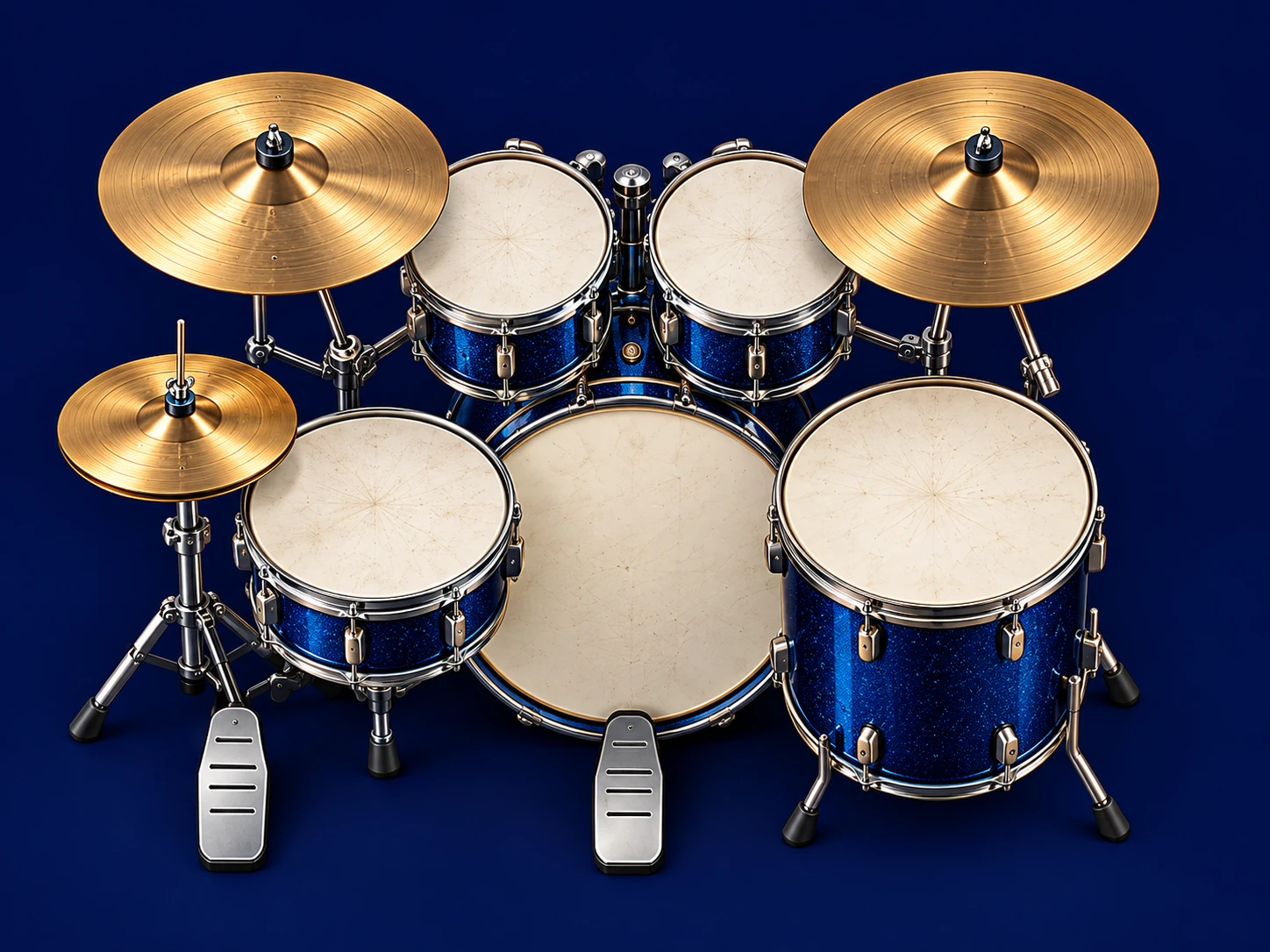
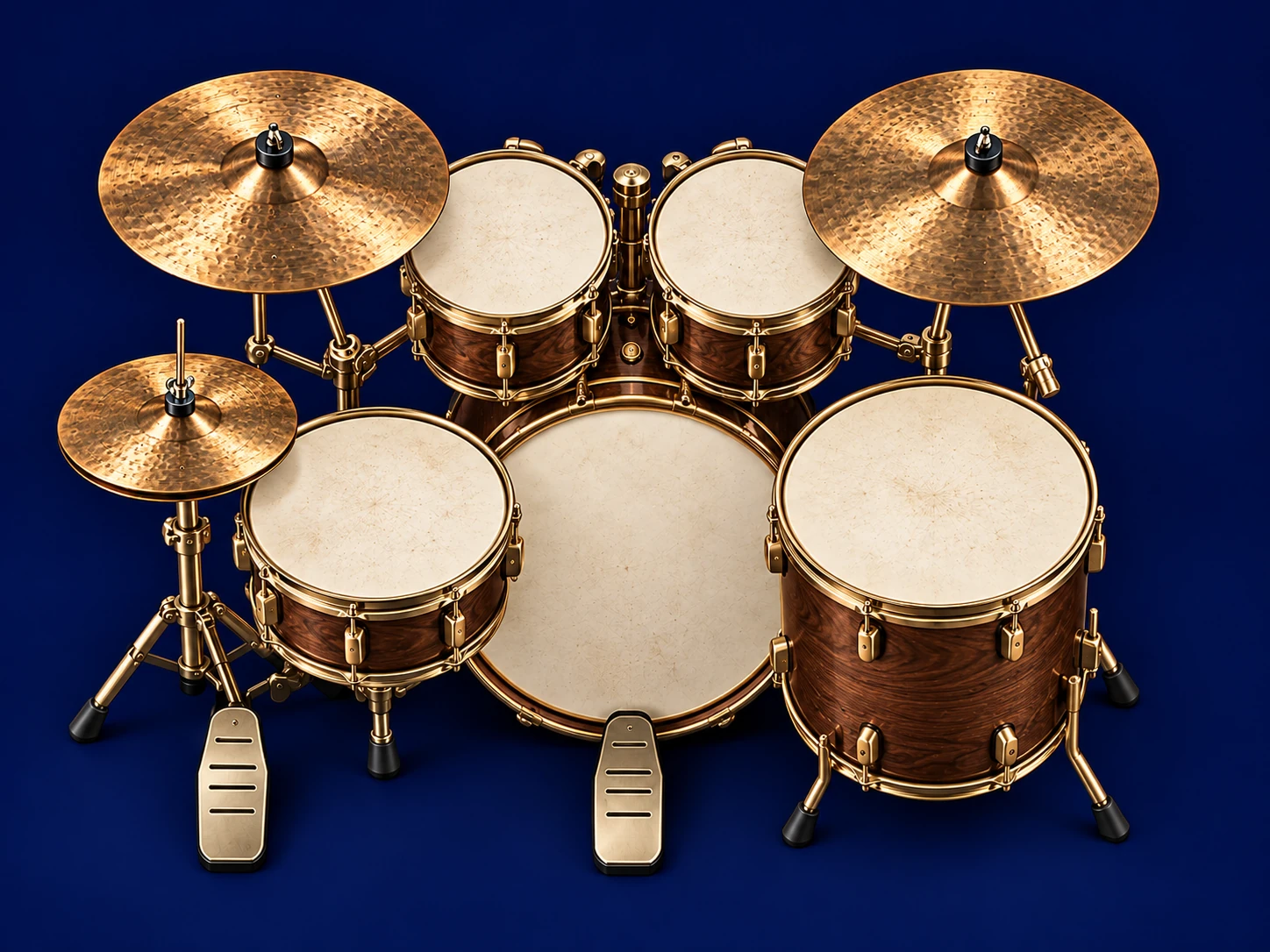
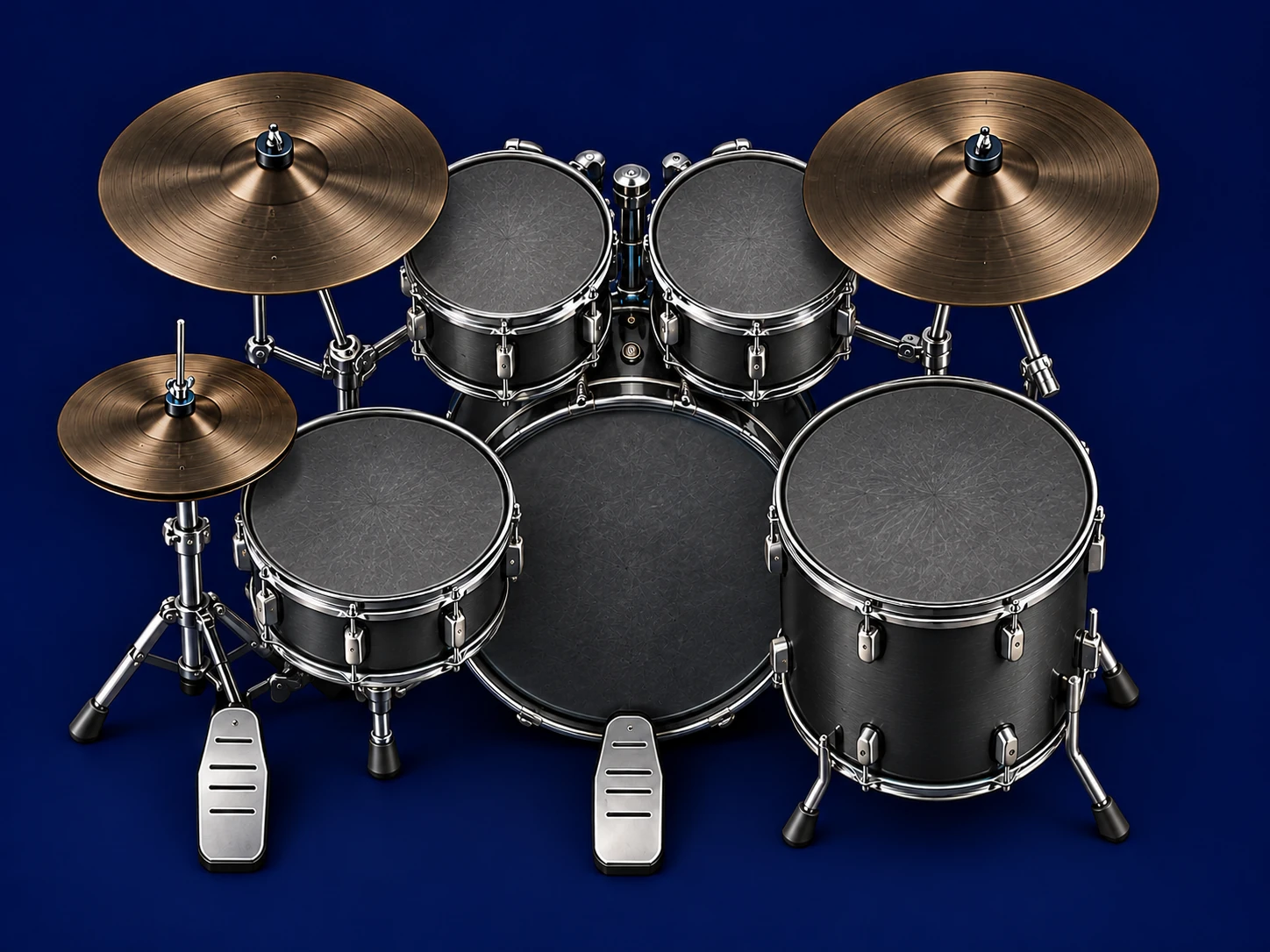
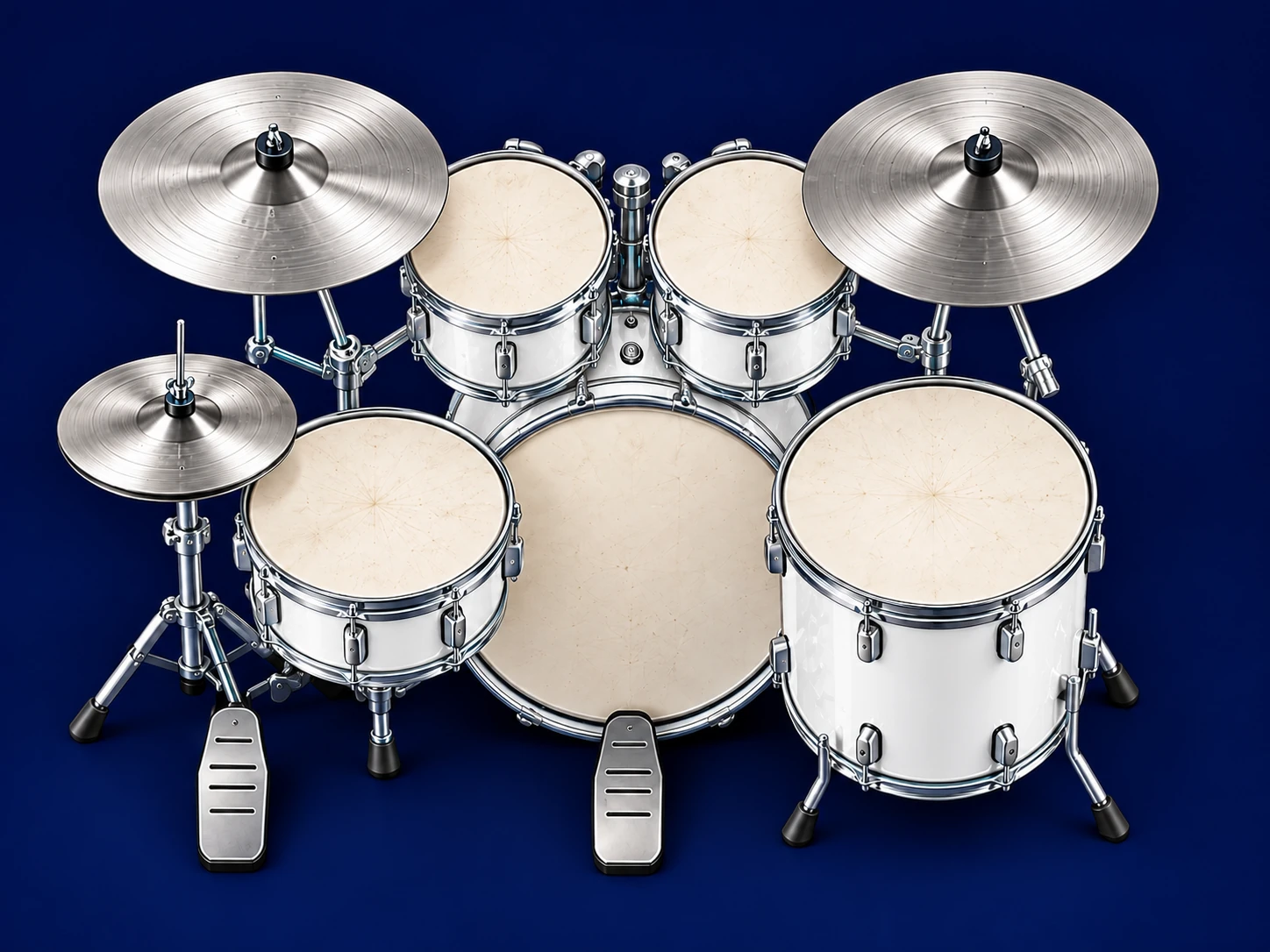
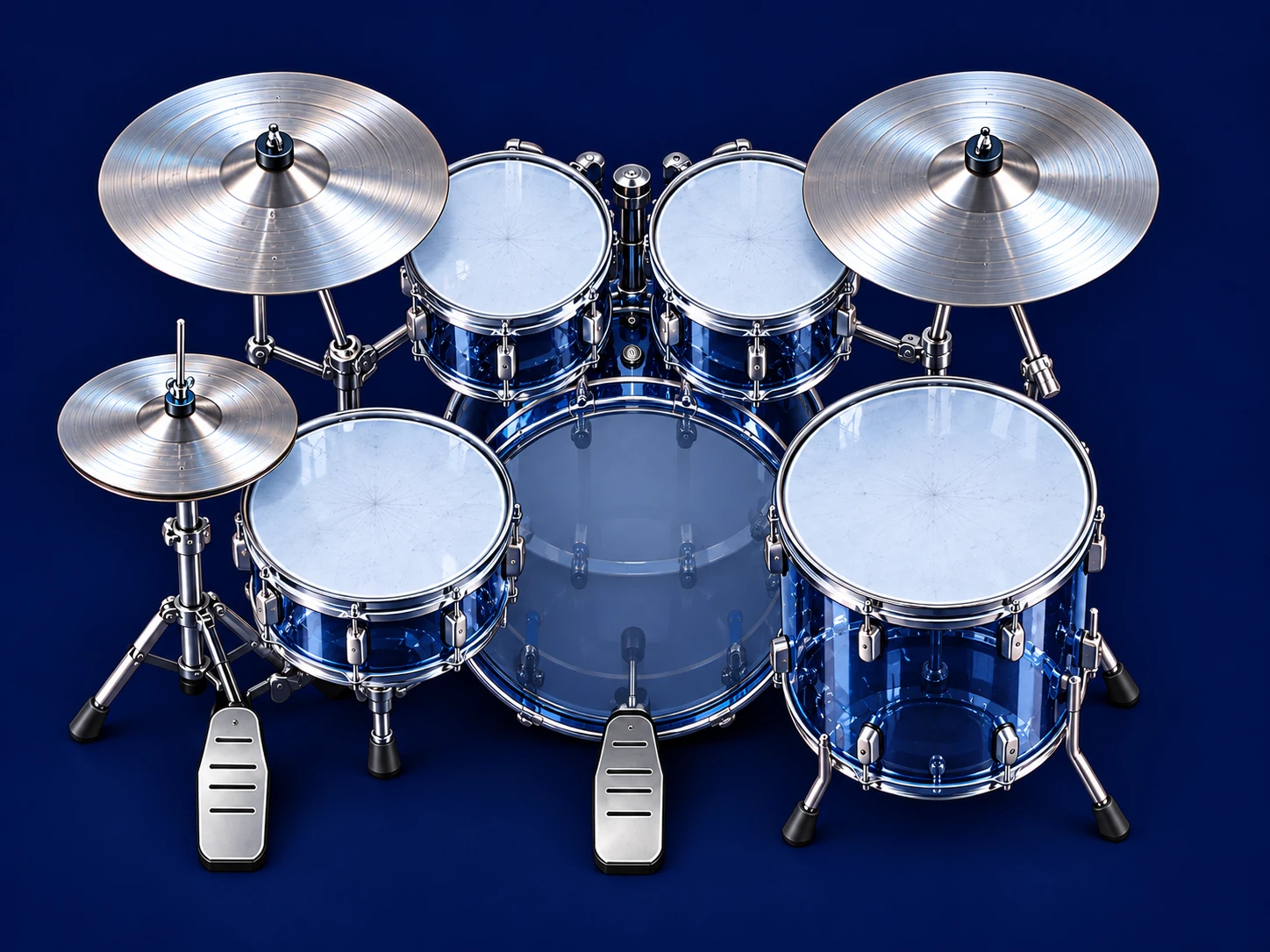
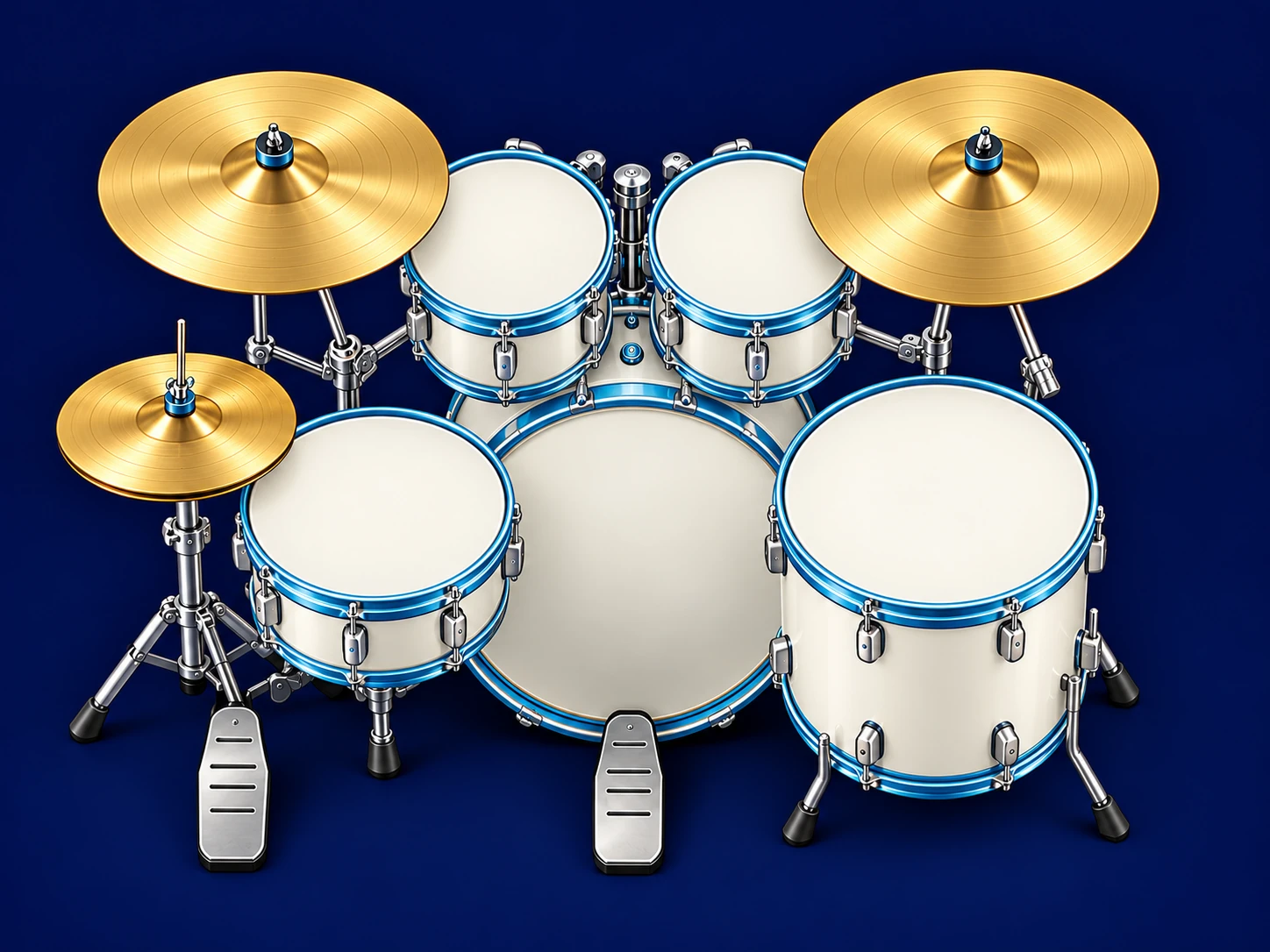
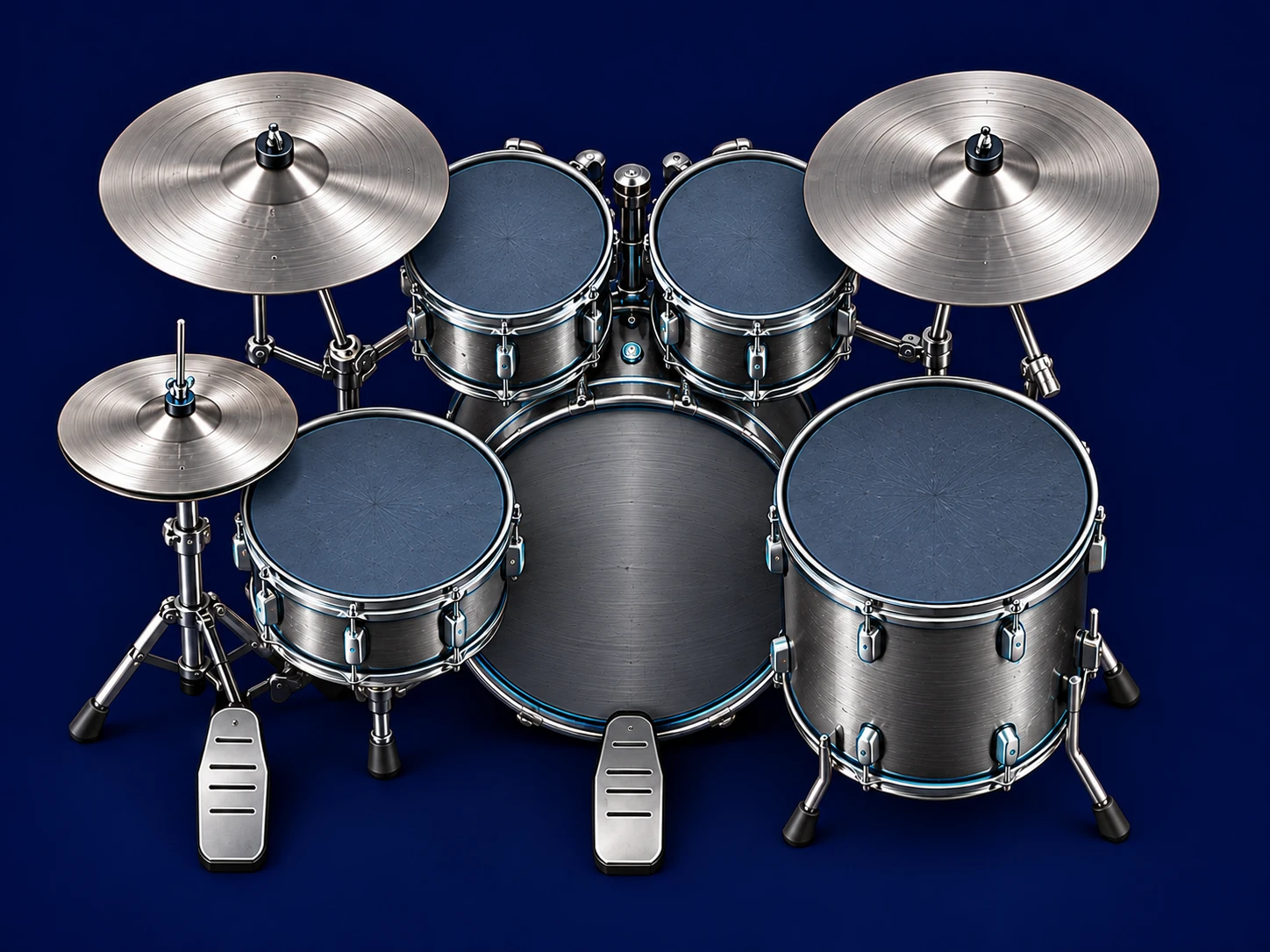
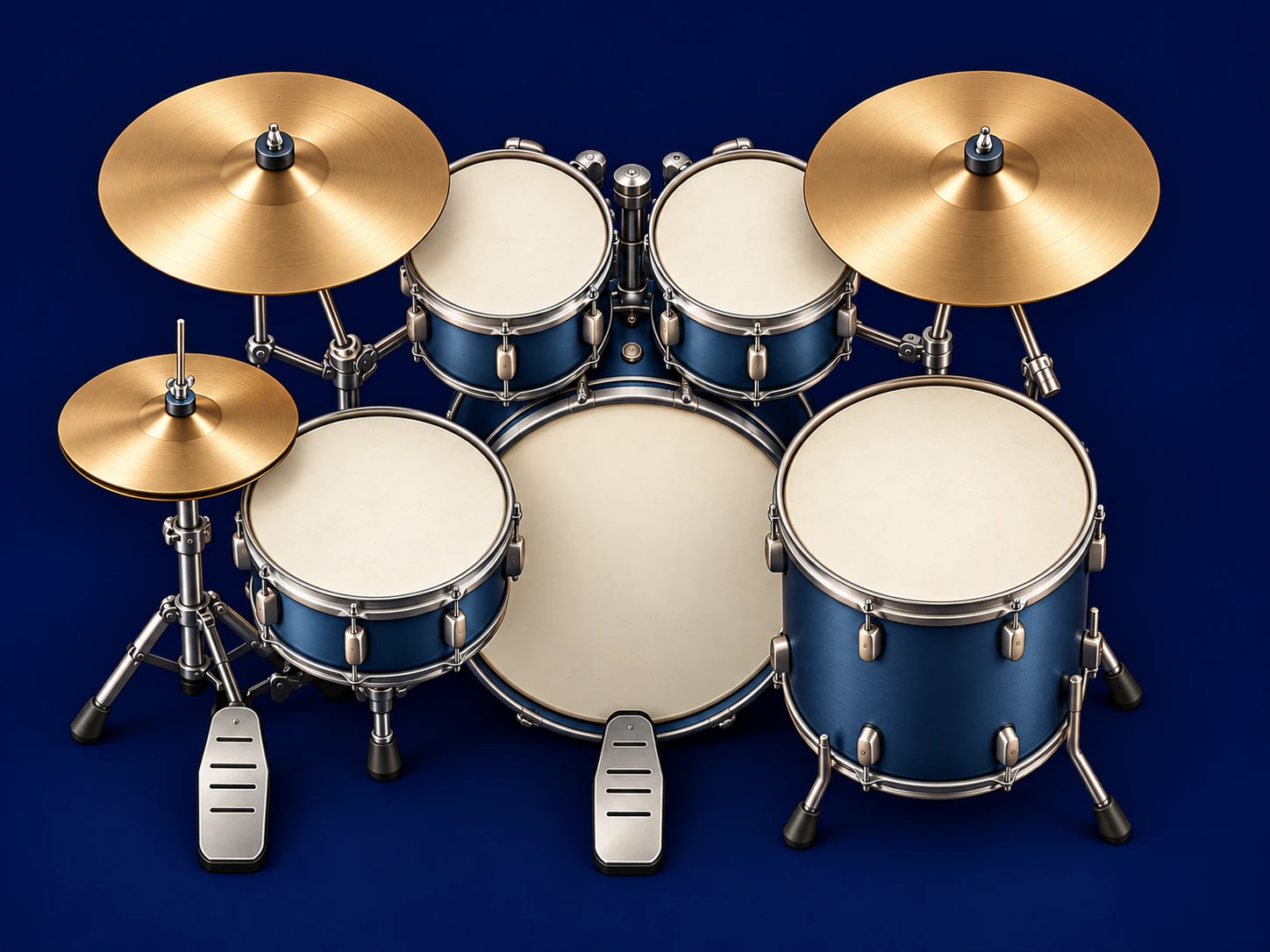
Crisp snare crack. Full-bodied toms. Shimmering cymbals. Explore 12 expressive kits, from tight and punchy to warm and spacious, with expressive dynamics from your MIDI kit. Play your MIDI kit, tap the screen or hear each sound in a complete drum composition.
Turn written rhythm into music, from your first notes to a part of your own.
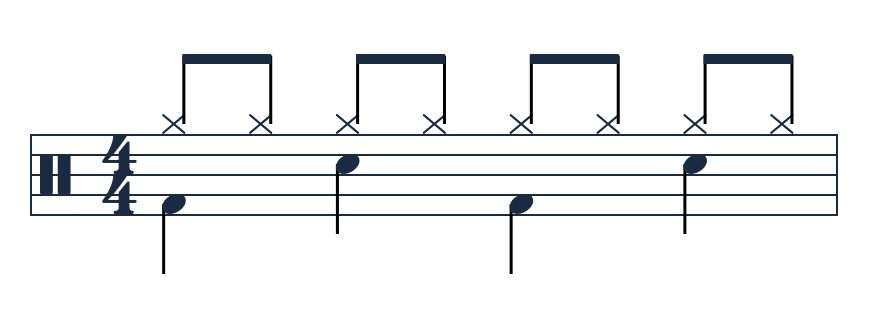
A real pattern from Drum Reading GymRead the kit togetherHi-hat · snare · kick
Tab, grid and sheet music share the same notes.
Tools / Drum Tab Studio
Your part, from page to kit.
Paste a drum tab or import MusicXML. Correct the notes, switch between tab, grid and sheet music, then hear your part through DrumBell’s kits. Loop a passage, change the tempo and save your work.
Work through ten original studies, from quarter notes and rests to subdivisions, accents, toms and cymbal changes. Hear a demonstration, then try it yourself with Manual or MIDI practice.
Clear explanations · guided practice · useful review
No. Use Manual practice with an acoustic kit or an unconnected setup: follow the pattern and rate the set. A compatible electronic kit can use MIDI for mapped-pad scoring and DrumBell’s sounds.
Do I need an account?
No. Personal guest progress stays on this device. Explore a separate demo profile with example progress. Export a backup in Settings & data to keep a separate copy.
For an electronic MIDI kit, use current desktop Chrome or Edge. Desktop Firefox also supports MIDI and may request a site-permission add-on. Safari does not support MIDI; changing browser brands on iPhone or iPad may not add it.
Manual practice, music playback, the tab editor and on-screen pads do not need MIDI. Keep your browser up to date, tap Play to enable sound and use wired audio for responsive live playing.
What does MIDI measure?
MIDI records mapped pad notes, velocity and timing. It does not identify which hand or foot played a pad. Connect and check your mapping before you practise.
Yes. Load local audio in Jam and balance it with your drums. The file stays on your device. Set a matching tempo if you add a drum composition; DrumBell does not automatically detect the beat.
Can I bring my own drum tabs or sheet music?
Yes. Paste plain-text drum tabs or import supported MusicXML into Drum Tab Studio, then edit, hear and save the result. Images and PDFs can sit beside your score as references for manual entry; they are not automatically converted into notes. Your files stay in your browser.
How is my practice kept private?
Your practice data is not uploaded. Audio and MIDI begin only when you choose to play or connect. The host may retain normal access logs.